

Meet the cat
Open the side panel and an orange tabby about the size of a fingertip moves onto your desk. It isn't a game. There's no score, no hunger meter and nothing that needs you, so it's closer to a fish tank than a Tamagotchi.

Get Desk Pet
It's free, with no ads, no account and nothing to buy. It needs Chrome 116 or later on a computer, since phones don't have the side panel.
Coming soon to the Chrome Web Store.
What the cat gets up to
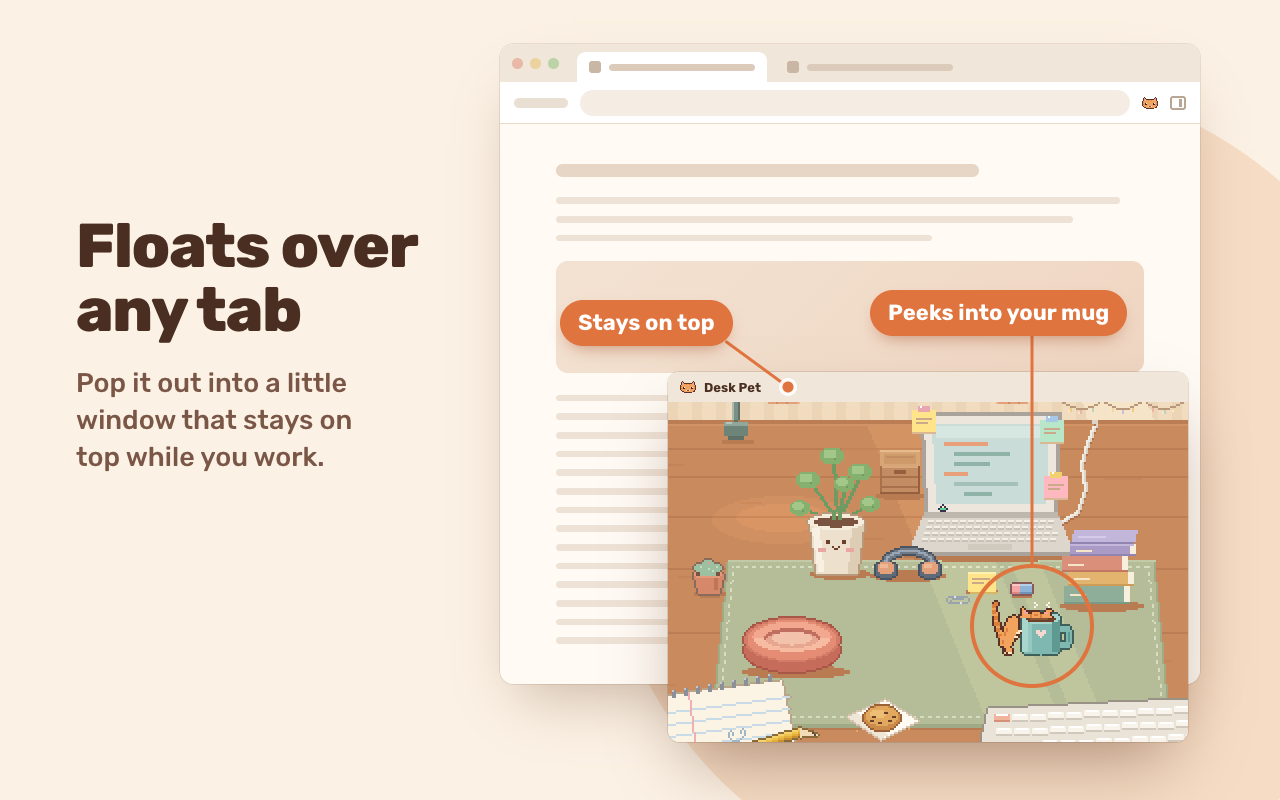
Most of the time it naps on its cushion. Awake, it might stretch, groom, climb the wall shelves to the basket at the very top, or wander over and peek into your mug. Step away from the computer and it hops onto the laptop to loaf on the warm keys, until the screen fills up with j's.
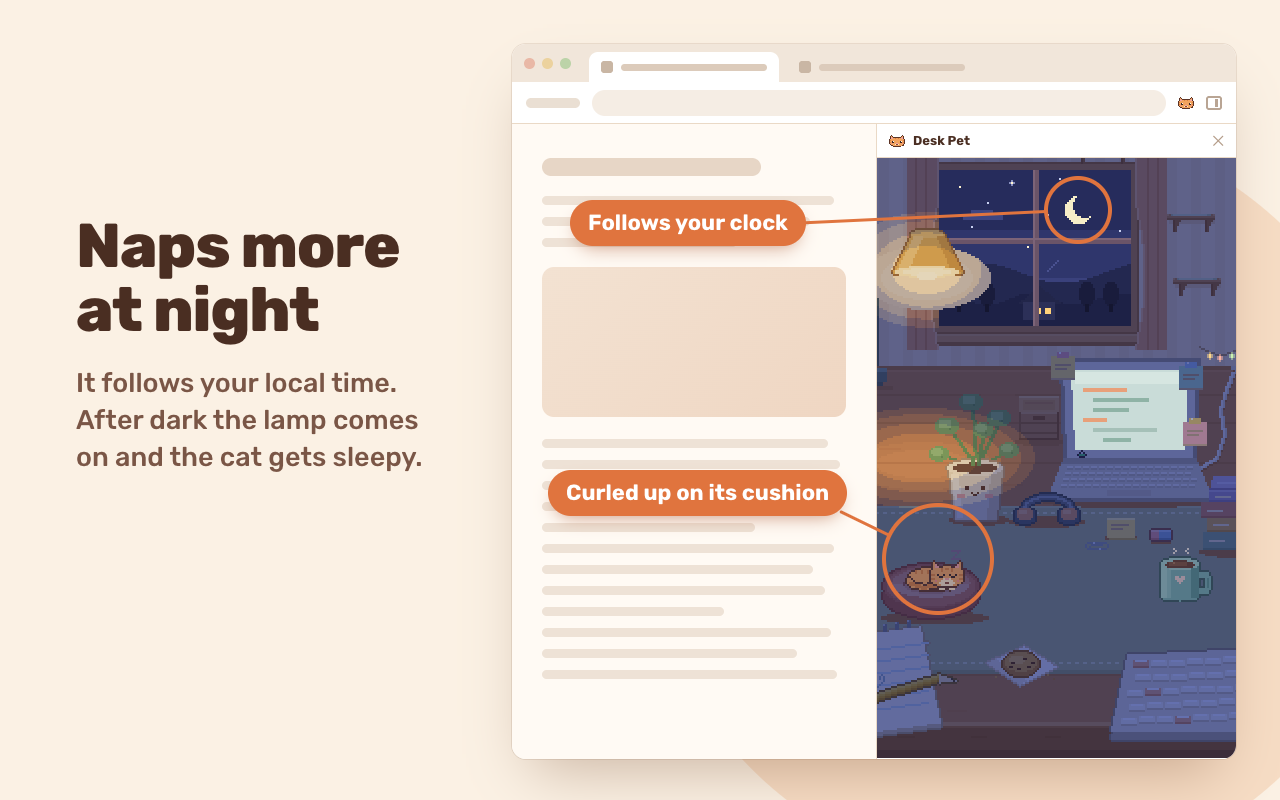
The room keeps your local time. Golden hour starts at 5 p.m. and the lamp comes on at 8. After 10 the cat sleeps far longer than it does at lunch.
Click the cat for a few hearts. The 🍪 button drops a treat. Want it somewhere other than the side panel? Press 📌 and pop it out into a small window that floats on top of your other windows, over any tab.
Calm mode means less zooming about and fewer things knocked off the desk. If your system asks apps for reduced motion, it's already on.
Day, night and floating
Your data stays on your computer
Desk Pet collects nothing. It makes no network requests, has no account to sign up for and works with no connection at all. The cat's name, its mood and your settings sit in Chrome's own storage on your computer and go when you remove the extension.
It asks Chrome for three permissions, and the Desk Pet help page says what each one does, along with how to pin the icon and float the cat. The Desk Pet section of our privacy page has the rest.
Added and reviewed . What's new